Floats over any app
Start the clock, switch to the shop, and it stays on top — powered by the system's Picture in Picture. Long-press to switch modes, drag it anywhere on screen.
For iPhone & iPad · iOS 18+
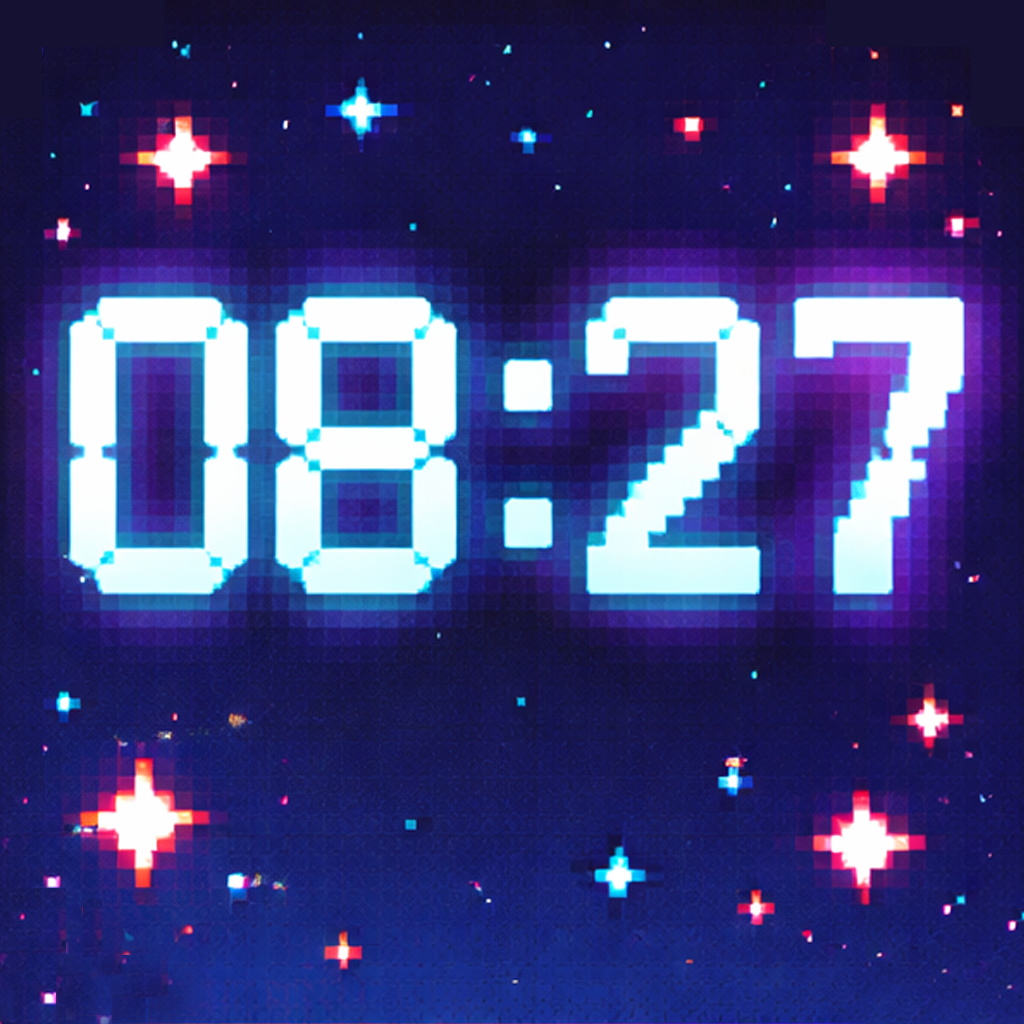
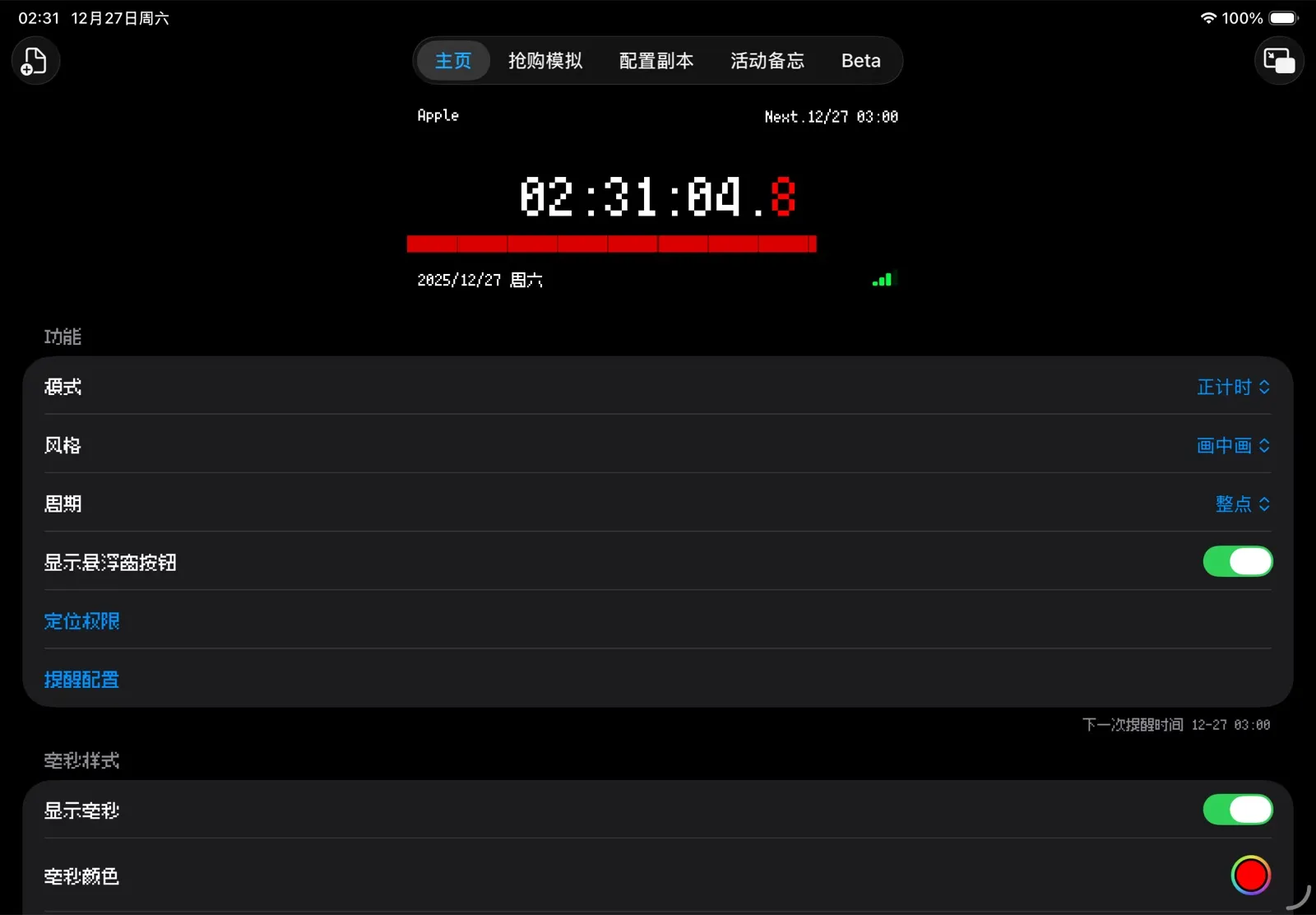
A pixel-style floating clock that stays visible over anything you do — synced with 42 official time sources, including the exact platform you are buying from, so you never miss the drop at 10:00:00.000.
Time Sync
Your phone's clock is not the platform's clock. FloatClock measures the offset against 42 time sources and corrects it live — NTP v4 where supported, HTTP Date headers everywhere else. The offset and network latency are shown right on the clock.
 Apple
Apple Google
 Cloudflare
 Tmall
Tmall JD.com
 Pinduoduo
 Dewu
Dewu Damai
Damai iMaotai
 SNKRS
SNKRS Nike
Nike Meituan
 Douyin
Sources include Apple, Google, Cloudflare, Tmall, JD.com, Pinduoduo, Dewu, Damai, iMaotai, SNKRS, Nike, Meituan, Douyin and more.
Features
Start the clock, switch to the shop, and it stays on top — powered by the system's Picture in Picture. Long-press to switch modes, drag it anywhere on screen.
Count down to a specific time, or to every hourly and half-hourly session. A heads-up fires 1 or 3 seconds early, with sound, haptics, a progress bar and a last-second color flash.
Practice your timing against real session rhythms before the actual drop, so on the day there is nothing left to chance.
Personalize
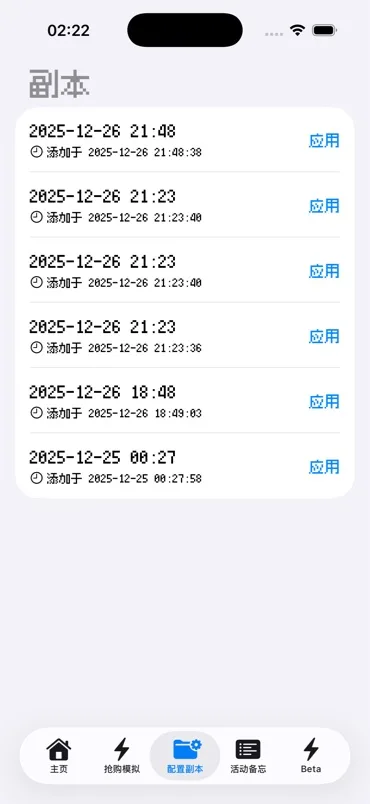
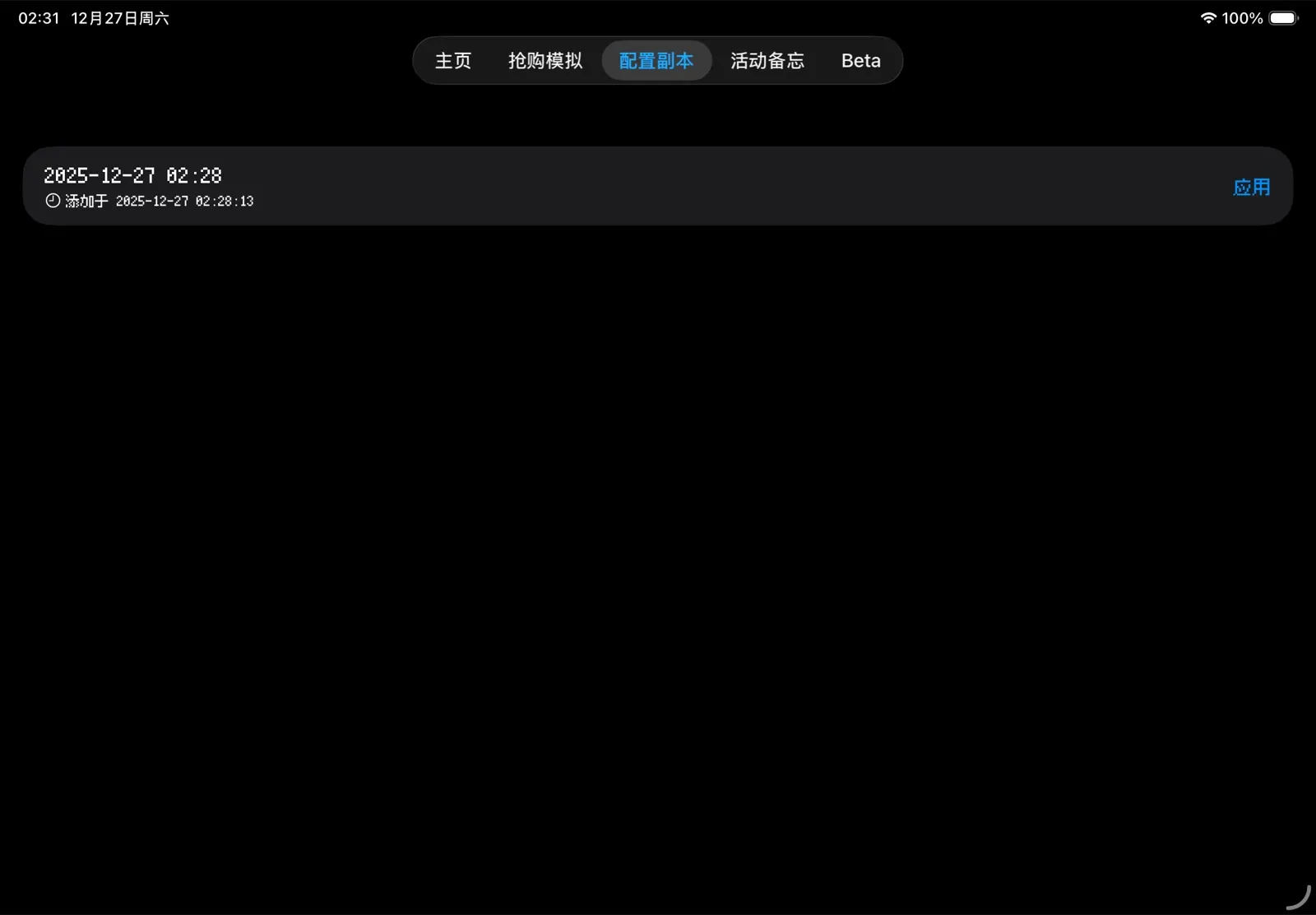
Everything on the display can be tuned — then saved as a config copy and switched with one tap.
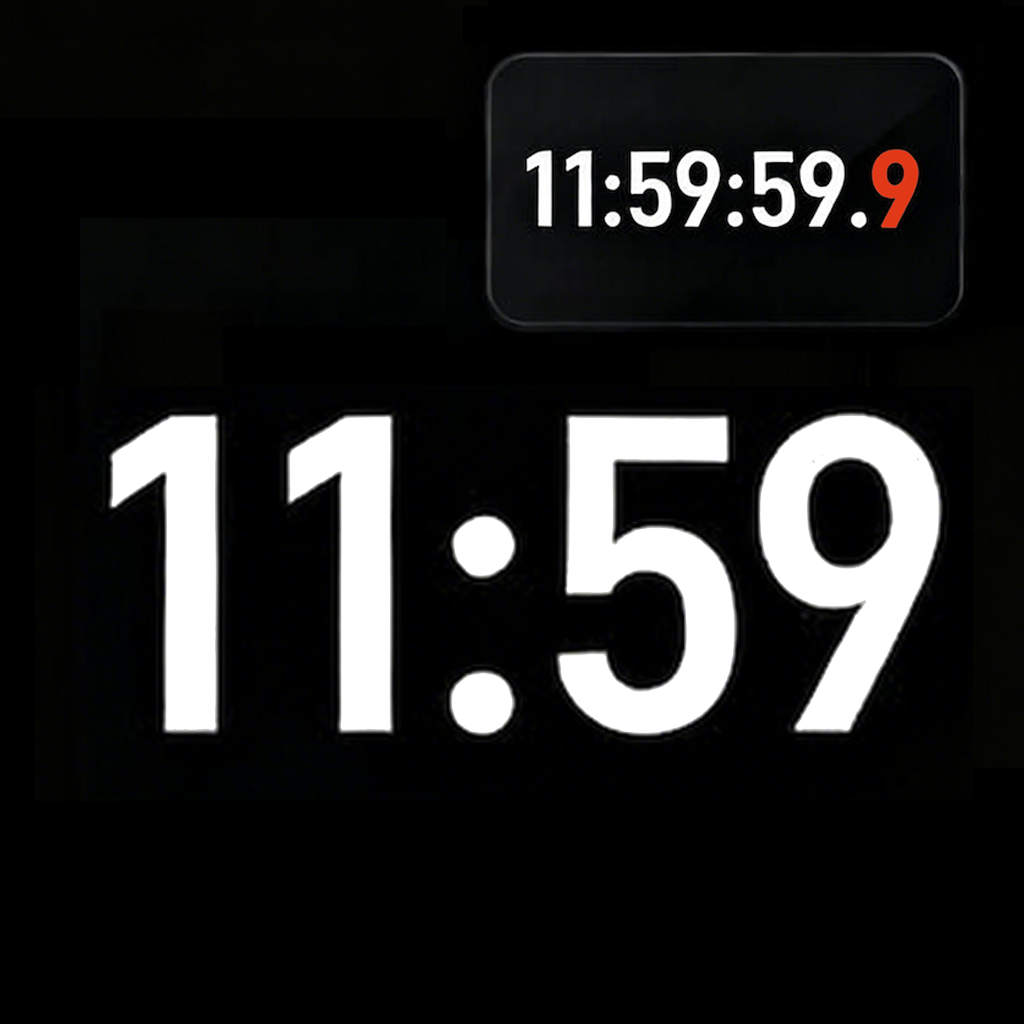
Show 1, 2 or 3 decimal places and paint the milliseconds red — the format serious timing calls for.
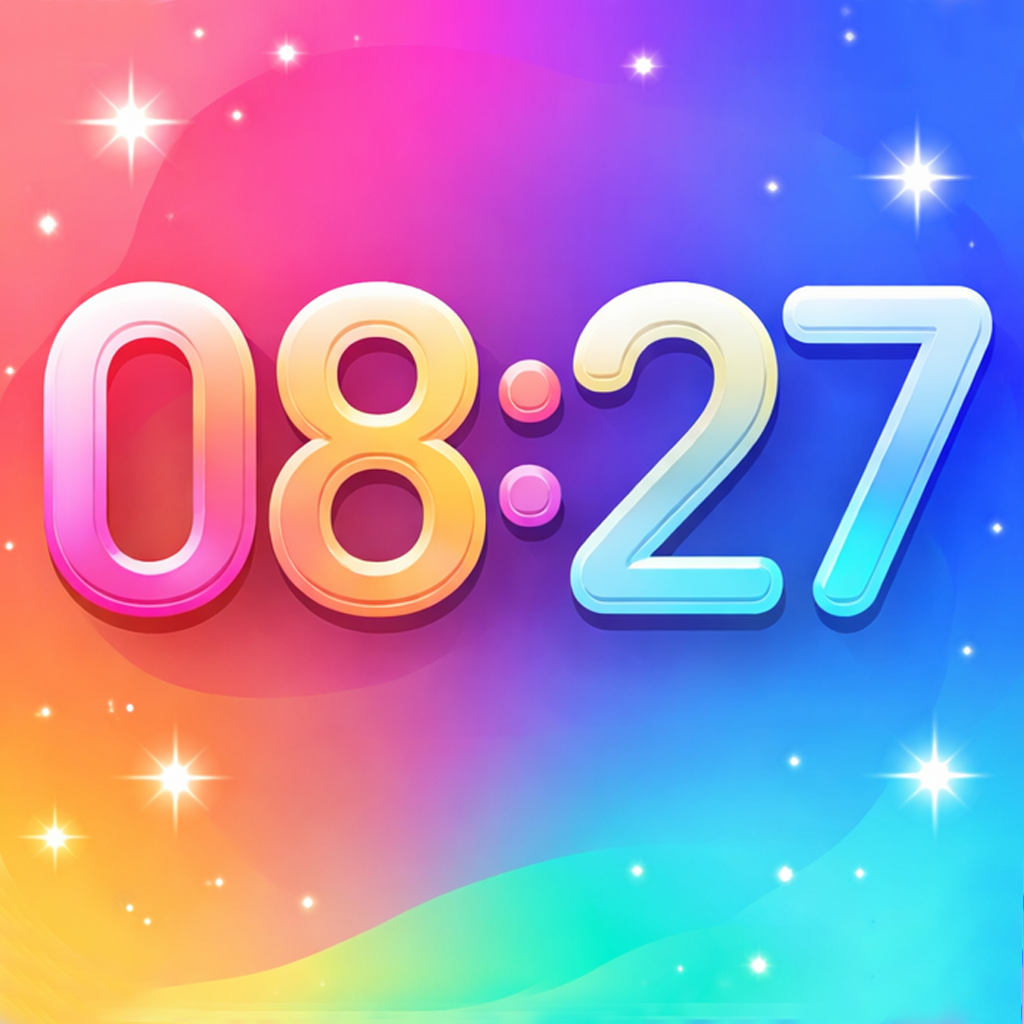
Alternate pixel app icons and themes to match the look.
Year, month and weekday each toggle independently next to the time.
Save a setup per platform — one for sneaker drops, one for tickets — and switch instantly.
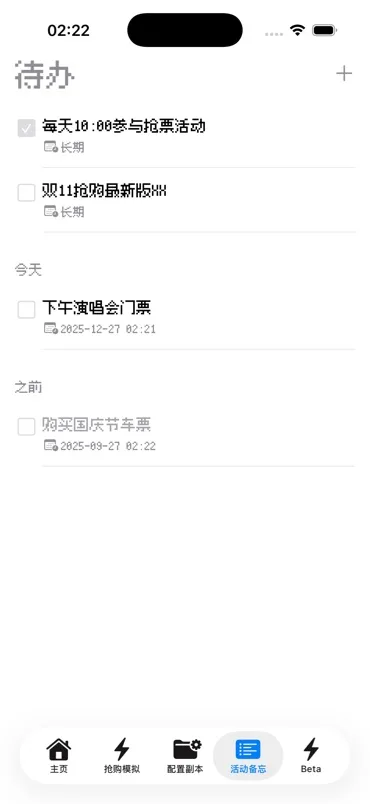
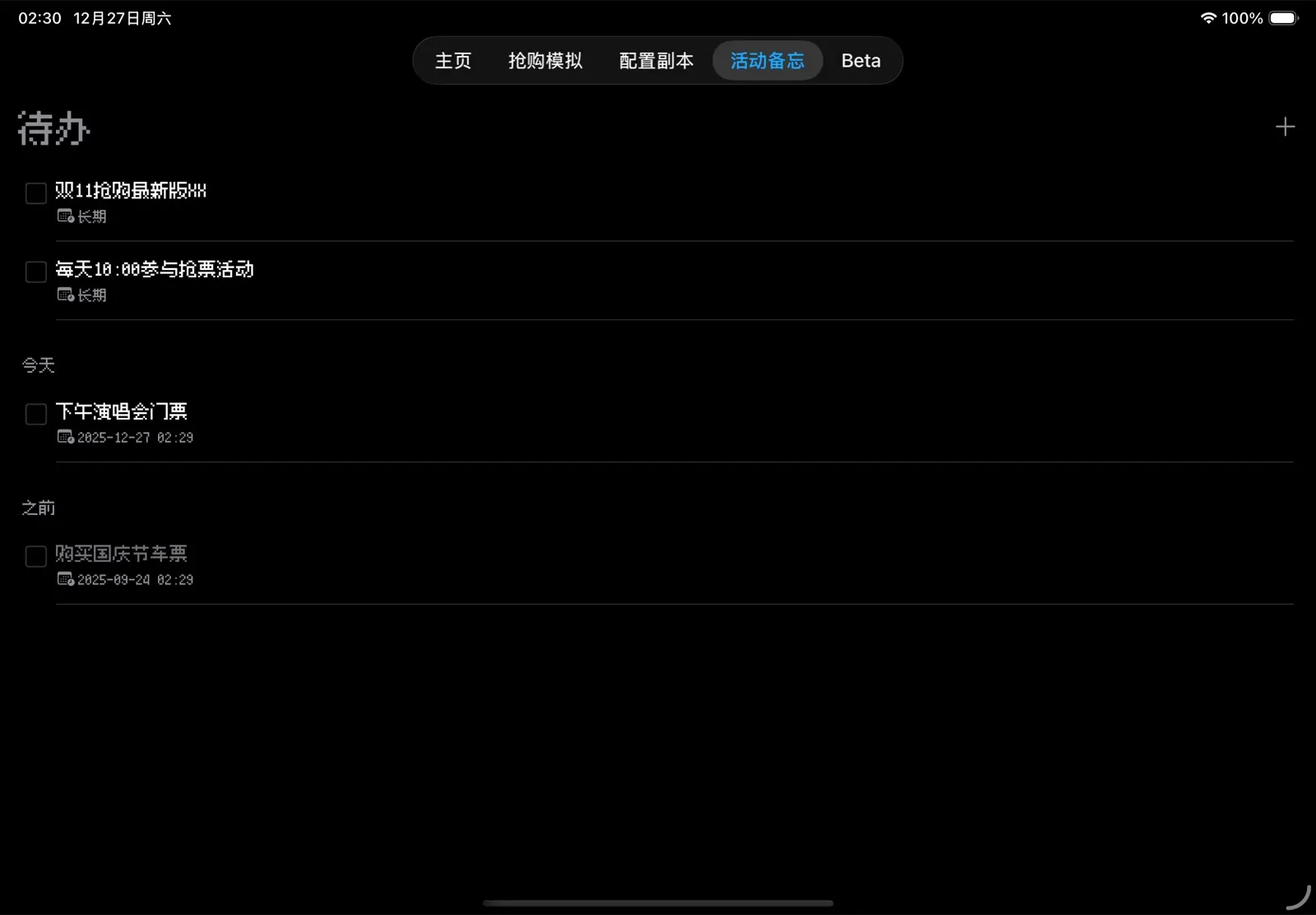
Keep a todo list of upcoming releases, synced across your devices with iCloud.
Live Activity and home-screen widgets keep the time where you need it.
Preview
The same pixel clock on iPhone, iPad, your Lock Screen and Dynamic Island.
Privacy
Download and use. There is no sign-up and nothing to configure.
Time-check requests go directly to the server you pick — nothing in between.
The release memo can sync through your own iCloud. Optional, off until you turn it on.
The app is ad-supported. A membership removes the ads.
FAQ
It uses the system's Picture in Picture — the same capability that lets videos float over other apps. Start it in FloatClock, switch to any app, and the clock stays on top.
Yes — the clock keeps running locally. Time-source syncing needs a connection, and the last measured offset keeps being applied.
iPhone and iPad running iOS 18 or later.
No. There is nothing to register and no login.
The app is ad-supported and offers a membership that removes ads. Everything about the clock itself works without it.